Gemini
Use Producer Pal with Google's Gemini AI through the built-in chat interface.
Free Tier Limitations
Google's free tier has strict rate limits. You'll likely hit quotas within moments. To stay on Gemini, Antigravity is Google's own desktop app, where a Google AI subscription raises the limits. Otherwise consider Claude Desktop for a more reliable experience, or using Gemini through a LLM aggregator like OpenRouter. You can also add billing to your Google Cloud account and setup a pay-as-you go API key, but this is not recommended for personal use.
What You Need
- A Google account
- Ableton Live 12.3+ with Max for Live. Live 12.4 or later is recommended — some features don't work on older versions of Live. Use the version of Max bundled with Live, or make sure your standalone Max is up to date.
1. Get a Gemini API Key
- Go to Google AI Studio
- Sign in with your Google account
- Click "Create API Key"
- Copy the key for the next step
2. Install the Max for Live Device
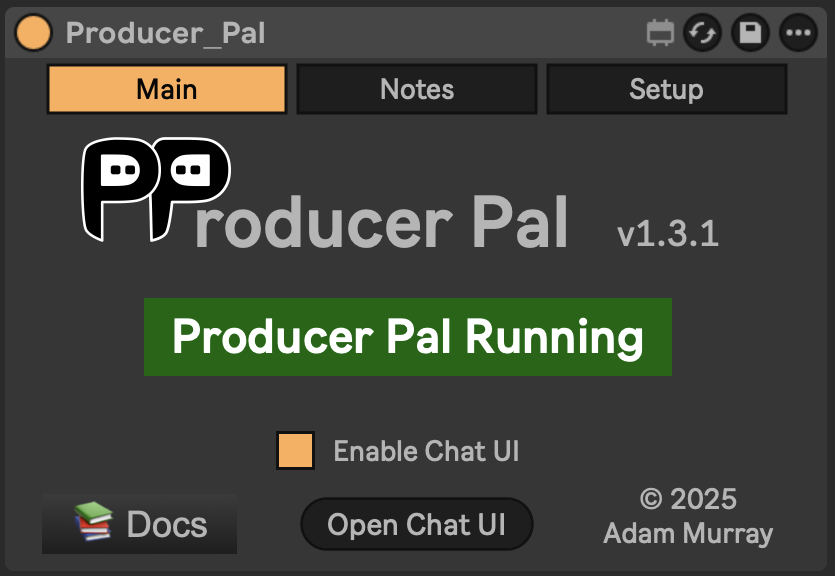
Download Producer_Pal.amxd and drag it to a MIDI track in Ableton Live.
It should display "Producer Pal Running":
3. Open the Chat UI
In the Producer Pal device, click "Open Chat UI".
4. Configure Gemini
In the chat UI settings:
- Provider: Google
- API Key: Paste your key
- Model:
gemini-3.6-flash(orgemini-3.1-pro-previewfor more complex tasks)
Click "Save".
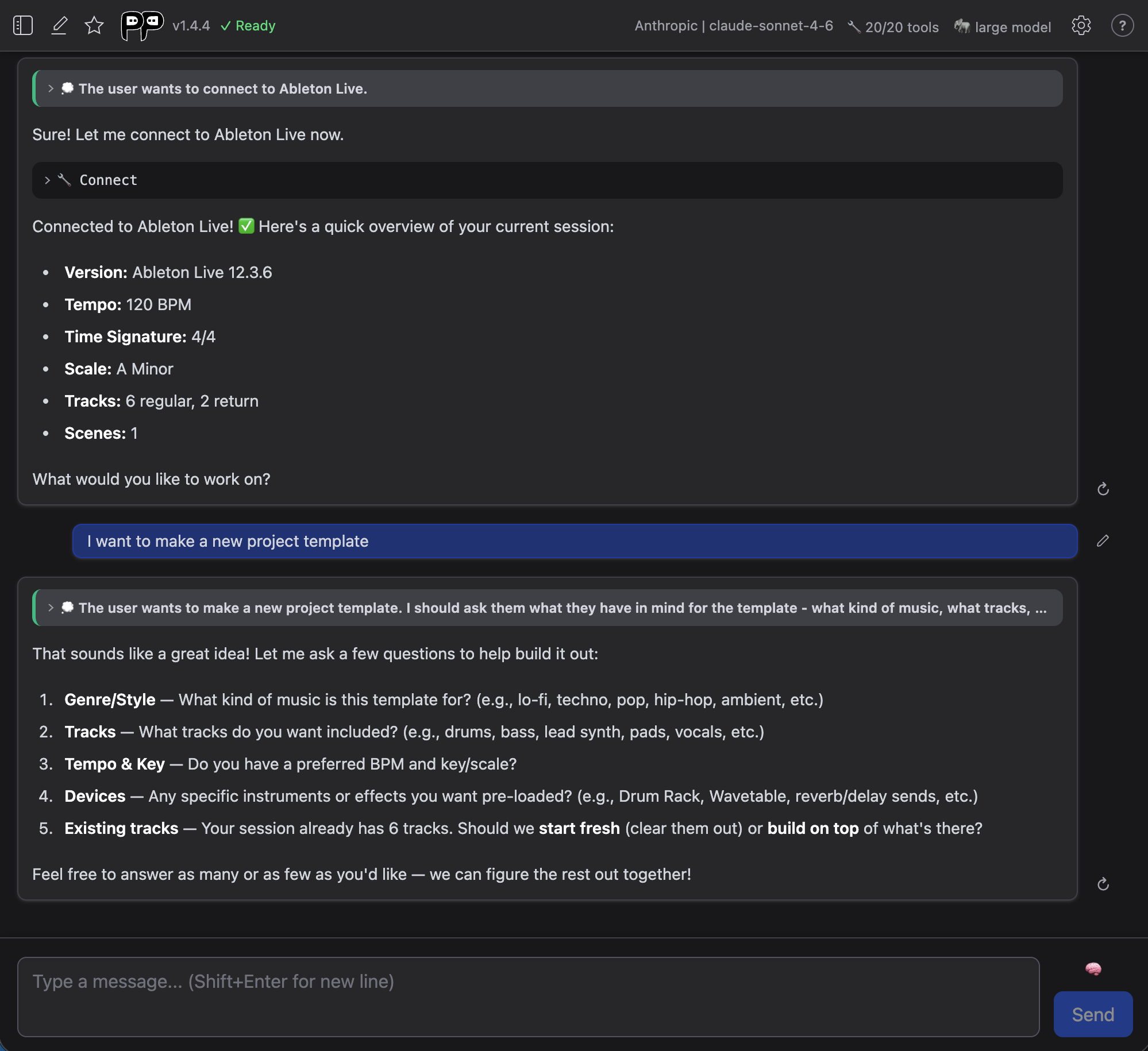
5. Connect
Click "Quick Connect" and say "connect to ableton":
Privacy Note
Your API key is stored in browser local storage. Use a private browser session if that concerns you, or delete the key from settings after use.
Troubleshooting
If it doesn't work, see the Troubleshooting Guide.