Claude Code
Use Producer Pal with Anthropic's command line coding assistant.
Two ways in
The steps below register Producer Pal's tools natively over MCP. The portable Agent Skill is the other way: it drives the REST API instead, so the agent picks its own notation and toolset per request without moving your Chat UI or other MCP clients off theirs. Both reach the same tools — pick either one, or install both.
Requirements
Ableton Live 12.3+ with Max for Live. Live 12.4 or later is recommended — some features don't work on older versions of Live. Use the version of Max bundled with Live, or make sure your standalone Max is up to date.
Claude Code (requires Anthropic account, and a paid subscription at time of writing)
Installation Steps
1. Install the Max for Live Device
Download Producer_Pal.amxd, the Producer Pal Max for Live device, and add it to a MIDI track in Ableton Live:
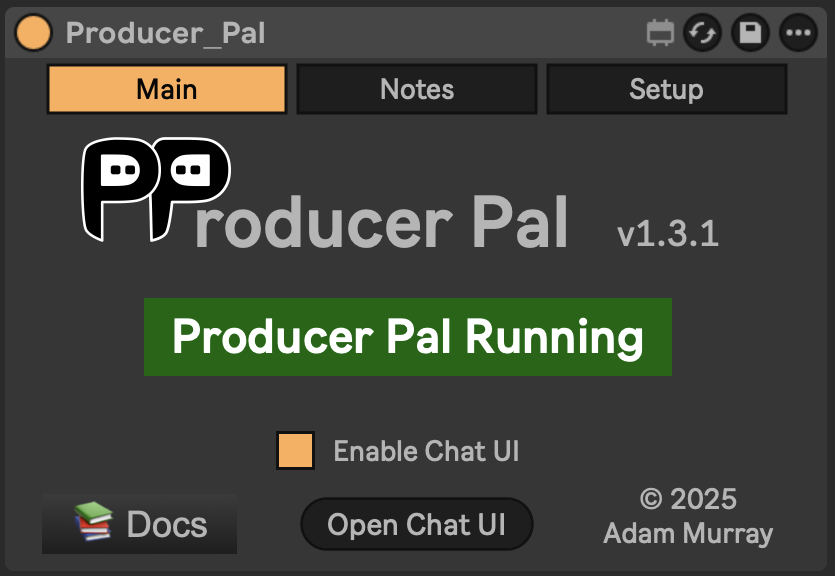
It should display "Producer Pal Running" or something isn't working.
2. Configure Claude Code
Option A: With npx (recommended for MCP) - Allows flexible startup order and auto-reconnection:
claude mcp add producer-pal npx producer-pal@latestScripting or building against Producer Pal?
If you're using MCP and will have the agent write code that generates or parses Producer Pal data — building MIDI programmatically, or piping tool output through JSON tooling — add --format json --notation midi-json (the -- separates them from claude mcp add's own options):
claude mcp add producer-pal -- npx producer-pal@latest --format json --notation midi-json--format json returns standard JSON instead of the token-optimized compact form, and midi-json represents notes as a JSON array the agent can generate and read directly.
For a normal music-making conversation, keep the defaults (compact output, bar|beat notation) — they use fewer tokens and the agent reads them fine.
Both are global device settings, so they also change what the chat UI and any other connected clients see.
Only need some of the tools?
Narrow the toolset and every conversation gets smaller:
claude mcp add producer-pal -- npx producer-pal@latest --tools core,clip,track--tools keeps only what you list; --disable-tools drops what you list. Both take tool names (read-clip or ppal-read-clip) and group names: core, session, actions, live-set, track, scene, clip, device, advanced, and read-only. Run npx producer-pal@latest --list-tools to print the groups plus the tools the running device currently offers.
Withholding a tool also drops the part of the Producer Pal Skills that teaches it, so you stop paying for the tool's schema and its guidance in every conversation. --tools read-only cuts the skills text by more than half.
Unlike the other flags, this one is per client: the Chat UI and your other MCP clients keep the full toolset. ppal-connect is always kept, since it is how the AI connects and receives the skills.
One wrinkle with --tools: it keeps what you list by withholding everything else, and "everything else" is the tool list this copy of npx producer-pal knows, so a tool added in a newer Producer Pal stays enabled until you update. --disable-tools names tools directly, so it can withhold a newer tool even from an older copy; only its group names are limited to the ones above.
Option B: Direct HTTP - Requires Ableton running first, no auto-reconnection:
claude mcp add --transport http producer-pal http://localhost:3350/mcp3. Start Claude Code
Run claude in an empty folder (so it can focus on Producer Pal instead of coding)
4. Verify Tools
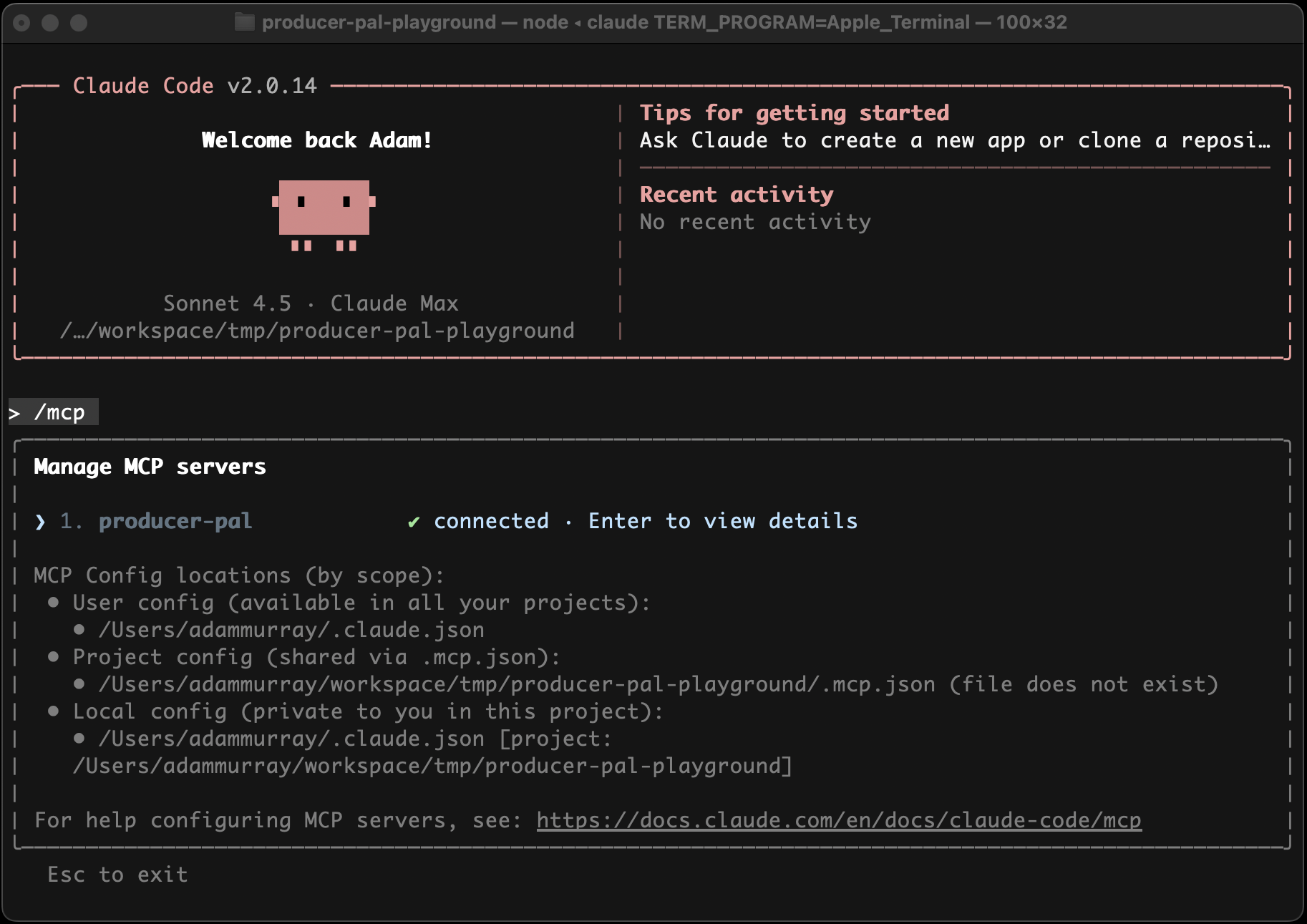
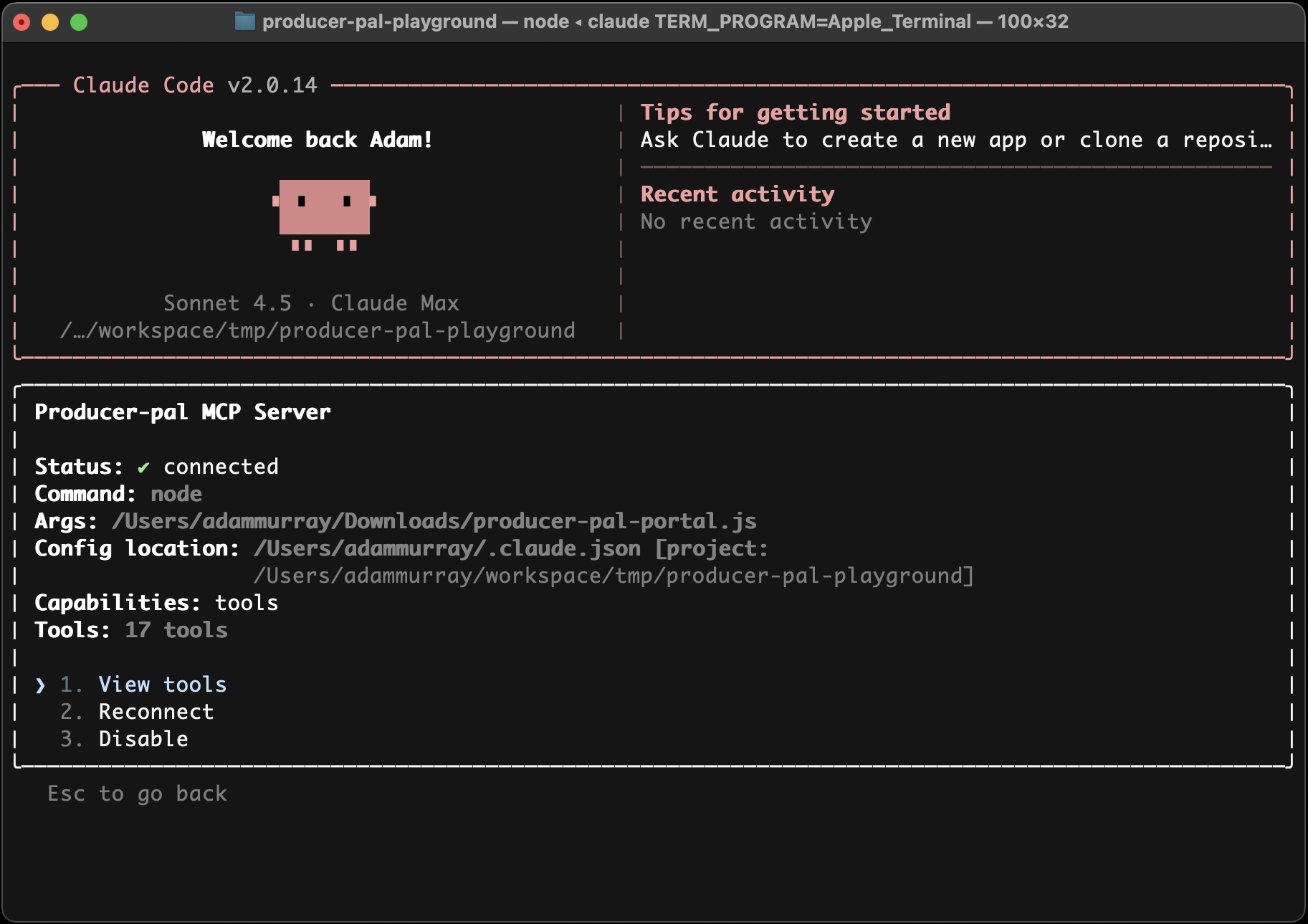
Run /mcp in Claude Code to confirm the Producer Pal tools are available:
5. Start Using Producer Pal
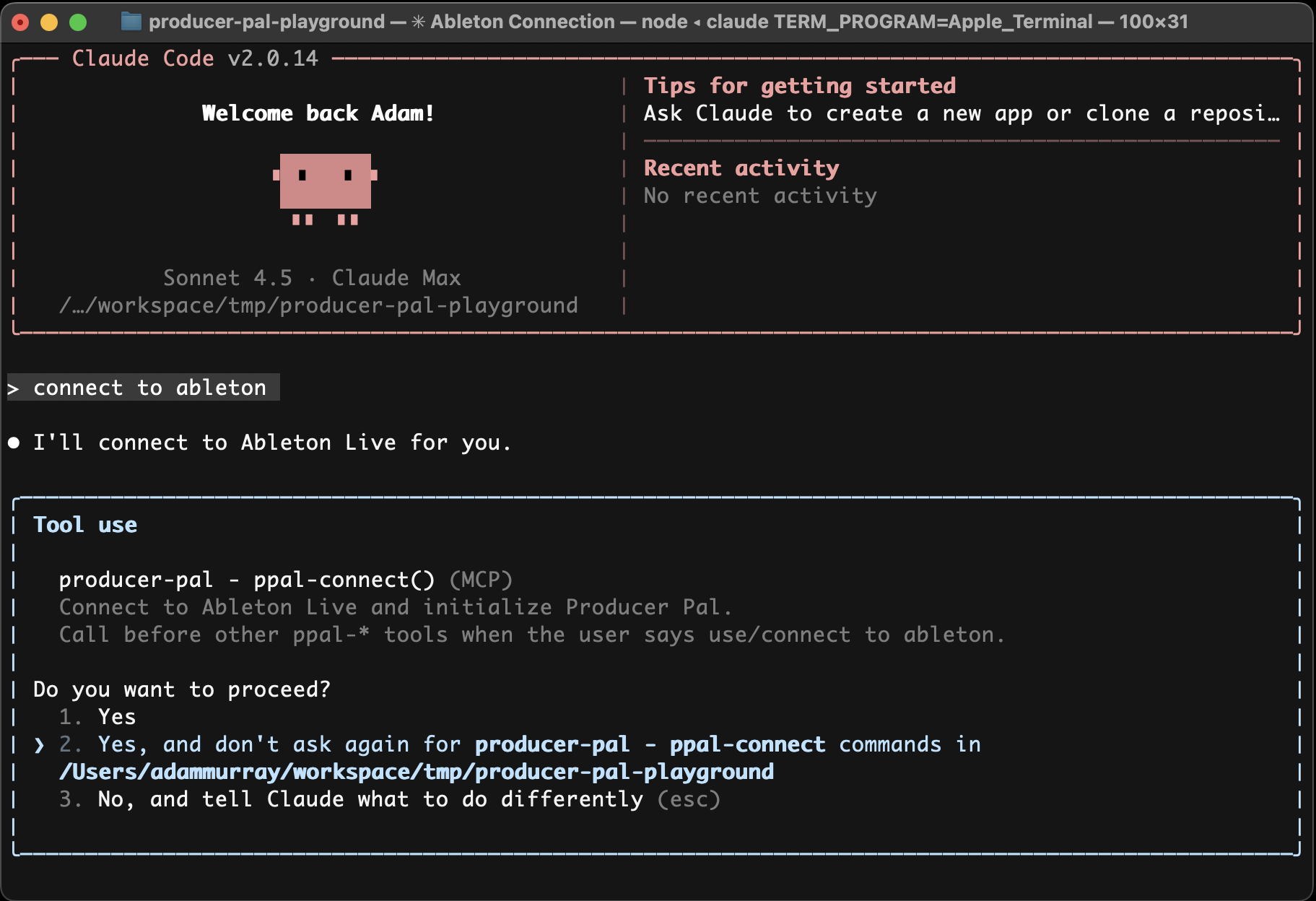
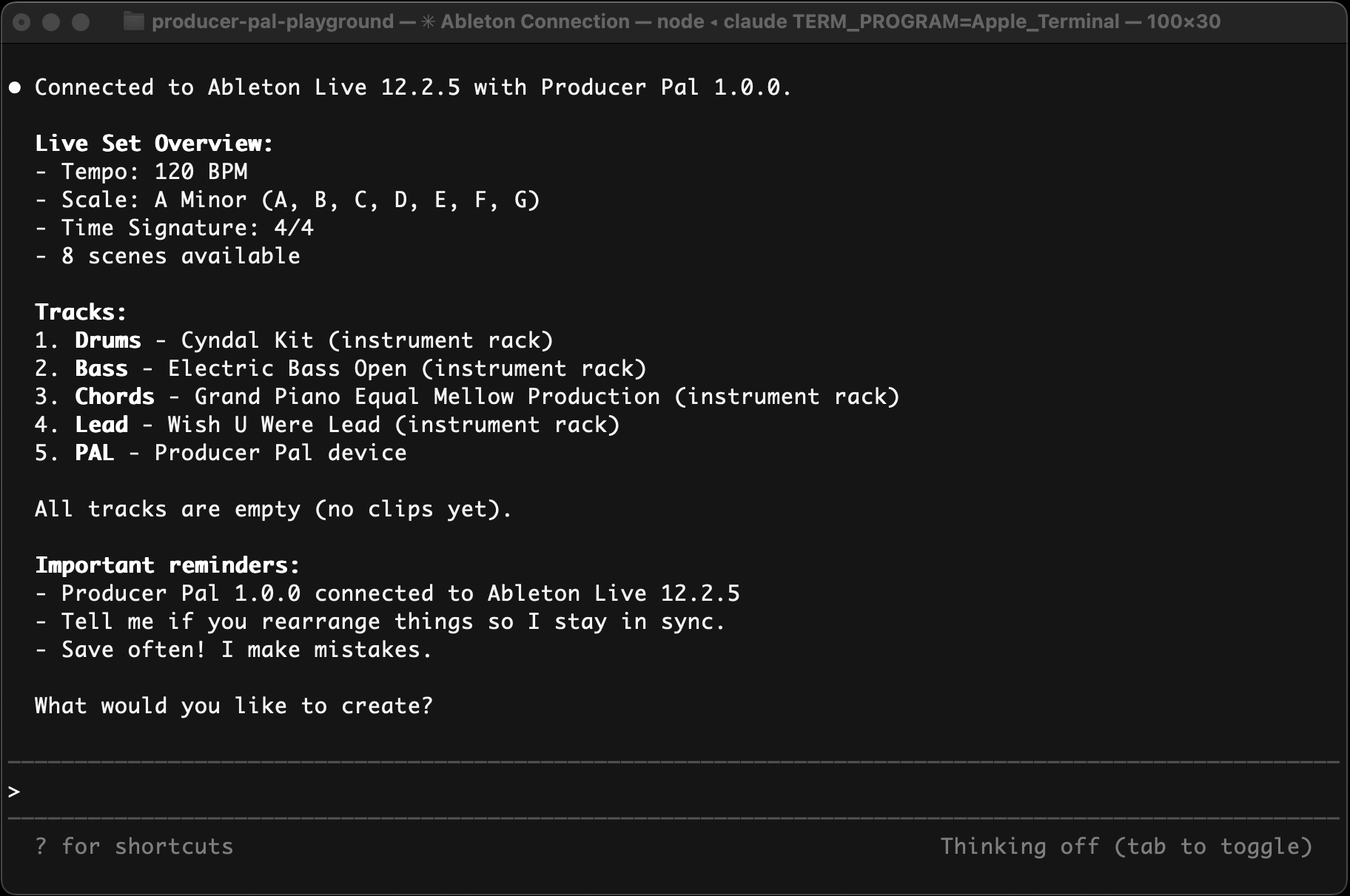
- Start a conversation with "connect to ableton"
- Allow Producer Pal tools to be used when Claude tries to use them:
Troubleshooting
If it doesn't work, see the Troubleshooting Guide.